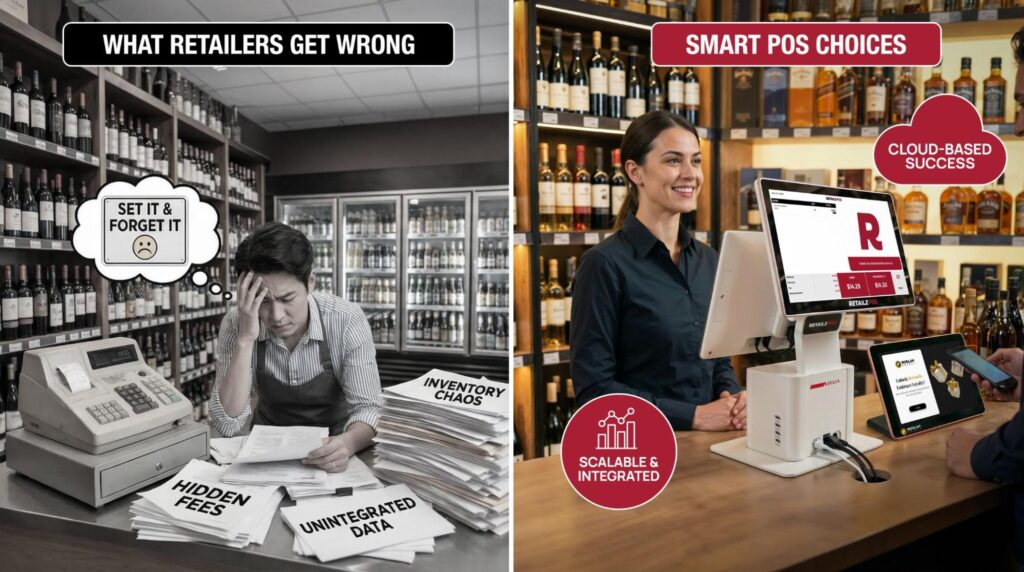
What Retailers Get Wrong When Choosing and Using a POS System?
Retail POS system mistakes are one of the biggest reasons retailers lose sales, slow down operations, and frustrate customers. Choosing the wrong POS system can cost you time, money, and growth opportunities.
Today, in the retail industry, a POS system is more than just a purchasing “cash register.” It is the cornerstone of your entire business. The POS system organizes everything, including inventory, records customer activity, schedules personnel, and provides data to support informed decisions.
Even though POS software offers many benefits, many shops still treat it as a “set it and forget it” approach. The result? Unfinished processes, frustrated employees, and lost revenue. In this guide, we will focus on choosing a POS system that helps improve profitability and scalability. We will also discuss the common POS problems that retailers face and how to avoid them.
Common Mistakes Retailers Make When Choosing a POS System
1. Not Knowing Your Non-Negotiables:
Buying a POS system before your retail POS selection, you must know your specific needs. Buying a system without a checklist is like buying a vehicle without knowing whether you’ll be hauling heavy logs or driving through narrow city streets. Whether you have a small or large store, one system won’t work for everyone. It is essential to review your requirements before finalizing the right software to ensure seamless work. This ensures you avoid complications during peak hours. Do not make any rushed decisions that could impact your business.
2. Choosing Price Over Value:
Make decisions smartly when choosing a POS system. An expensive price tag doesn’t always result in quality, but the cheapest option often hides hidden POS costs like high processing fees or required proprietary add-ons. Select software that fits your budget and meets your requirements. For example, a customer loyalty program needs a way to reward customers. If you avoid this feature to save a small amount of dollars, you are taking a big risk by losing many customers. And yes, in the retail industry, losing happy customers costs more than the POS system.
To avoid overbudgeting, list down the essential functionalities your POS must offer. Say, for example, if you have more than one store, your POS should connect all locations. Furthermore, it needs to integrate with other software, including account and e-commerce platforms (Uber Eats, Drizly, Doordash etc). Once you have a detailed description of the things you need, it will become easier for you to select the ideal POS.
3. Hardware-first approach:
Prioritizing only hardware over software selection can result in financial losses, as unsuitable tools may be purchased for the point of sale system. Not all software is appropriate for all hardware, and some programs require particular hardware configurations. So, it’s best to select the software first to determine the necessary hardware requirements.
Each POS system supports a limited range of hardware and operating systems. Buying hardware early limits software choices and could result in a system that doesn’t meet the business’s specific needs.
4. Ignoring Stock Control:
Many store owners forget to check how a POS handles inventory. Without a built-in system to track your goods, managing your stock becomes a massive headache. You won’t know exactly what’s selling or when to order more. A great POS should automatically track your inventory and alert you when you’re running low. For a small business, this is a lifesaver. It prevents you from wasting money on excess stock or losing sales due to stockouts. Relying on outdated POS software that lacks real-time tracking prevents you from staying organized and leads to wasted money on excess stock. To maximize efficiency, you should look for a smarter POS with automated payments and seamless inventory control that keeps your data accurate across all channels. Always choose a POS with robust inventory tools to stay organized and keep your shelves stocked.
5. The “Right Now” Trap:
A common POS system mistake is picking a solution based only on your current size. What works for a single register might not work when you add more staff or new locations. To grow successfully, your software needs to handle more transactions and data in real time. If your system is too rigid, it will hold you back.
Choose a system that is easy to expand. Before you buy, check whether it allows you to add new stores easily and provides detailed data for each location so you can track your success as you grow.
RetailzPOS is designed to grow with you, offering a hardware-flexible, cloud-based platform that prioritizes software performance and deep inventory insights.
Mistakes During POS Implementation
Most tech dreams don’t start with bad software; they start with poor implementation.
When those boxes arrive, you aren’t just unboxing hardware; you’re travelling essential changes. Implementation isn’t just a setup phase; it’s the make-or-break window for your ROI.
1. The Mistake: Skipping the Research:
Installing a POS system without a solid strategy is a huge risk. It’s easy to be tempted by a cheap deal or fancy marketing, but if the system doesn’t fit your specific needs, it will fail. To get it right, don’t just look at a website; ask for a demo and read real feedback to avoid poor POS support later when you actually need technical help.
A messy implementation often causes:
Wasted Time: Your team spends more time fighting the software than helping customers.
Information Gaps: Errors in your inventory and sales records.
Hidden Fees: Realizing too late that the “cheap” option requires expensive add-ons.
The Best Way to Choose:
Check your requirements: Consider how much you sell and whether the system can scale with you as you grow.
Research deeply: Don’t just look at the website. Ask for a demo and read real feedback from other users.
Get input from the team: Ensure your IT team and front-line staff have a say. If they can’t use it easily, it won’t work.
Expert Advice: Your POS isn’t a generic tool. The right choice depends entirely on your unique business goals and your plans for the future.
2. The Mistake: Expecting the Team to “Just Know” It:
Buying a great system but not teaching your staff how to use it is a waste of money. If your team isn’t trained, they will make errors with orders and slow down your customers. Frustrated staff and unhappy guests are usually the result of rushing into a new system without a practice run.
How to Get It Right:
Create a clear plan: Teach your team the basics first, like how to take orders, change the menu, and fix simple errors.
Teach in different ways: Use a mix of face-to-face meetings, videos, and plenty of “hands-on” practice time.
Pick a “POS Expert”: Choose one staff member to be the go-to person for questions, so your team always has someone to turn to.
3. The Mistake: Picking a System That Doesn’t Talk to Others:
Most restaurants use several tools, such as accounting software, online ordering apps, and delivery services. If your POS is a “loner” that doesn’t connect to these, you’ll be stuck typing the same information into two or three different places. This is a huge waste of time and makes it much easier to make a mistake with your numbers.
How to Get It Right:
- Check connections early: Ensure the POS integrates with the apps you already use, such as Uber Eats, DoorDash, or QuickBooks.
- Look for “easy-sharing” tech: Pick a system built to share data automatically so you don’t have to re-enter data.
- Run a trial: Before you open for business, ensure your menu updates and orders display correctly on every screen.
4. The Mistake: Ignoring Data Protection:
Many owners don’t realize how much sensitive data passes through their POS. By overlooking security, you make it easy for thieves to steal payment info or commit fraud. This can lead to significant fines and reputational damage. You shouldn’t just choose a POS because it’s fast; you need to ensure it’s secure.
How to Get It Right:
Follow the rules: Ensure your POS complies with official safety standards (e.g., PCI DSS) for handling credit cards.
Use better locks: Use “two-step” logins and give staff access only to the parts of the system they actually need for their jobs.
Hide and save your data: Use tools that scramble (encrypt) your information so hackers can’t read it, and always keep a backup copy.
Never skip updates: When the software asks to update, do it! These updates usually fix “holes” that hackers use to get in.
5. The Mistake: Assuming Everything Will Work Perfectly:
A common POS system mistake is skipping the “pilot” phase. Business owners often assume the software is ready to go, but small setup errors can cause huge problems. If you don’t test the system before opening your doors, you may encounter payment errors or order mix-ups that frustrate your guests and slow your kitchen.
How to Get It Right:
Success isn’t about finding a “perfect” system—it’s about finding the right system for your specific workflow.
Questions to Ask Vendors
Before you swipe your card, put the vendor in the hot seat:
1. Can I see the offline mode in action? (Don’t just take their word for it.)
2. What is your average customer support wait time on Saturdays? (Retail doesn’t happen 9-5, Monday-Friday.)
3. What are the total costs of payment processing, including PCI compliance and gateway fees?
4. How often do you push software updates, and are they included in my subscription?
Choosing Long-Term Solutions
Look for a partner, not a provider. A good POS company like RetailzPOS is constantly innovating in line with retail trends. If they haven’t added a new feature in two years, they are falling behind, and by extension, so are you.
Focus on opting for cloud-based systems. They let you check your sales on your phone while you’re at home, and they automatically back up your data. No more worrying about a hard drive crashing and losing five years of records.
The impact of modern POS adoption is clear, especially considering that retail applications now represent 45% of the total market. This technology manages a staggering 3.1 trillion annual transactions and has directly optimized operations by increasing stock turnover by 19%. Furthermore, automated pricing updates have slashed errors by nearly a third, while integrated loyalty features have successfully driven a 34% increase in customer retention.
Conclusion
Choosing a POS system is one of the most significant investments you will make in your retail journey. It is the bridge between your products and your customers.
By looking beyond the initial price tag, prioritizing staff training, and ensuring your data is clean and integrated, you turn your POS into a competitive advantage. Invest the time now to make wise choices, and your future self (and your bottom line) will thank you.
FAQs
1. Is the cheapest POS system always the most expensive in the long run?
The “cost” of a POS isn’t just the monthly fee; it’s the cost of lost time, missed sales due to downtime, and high credit card processing fees. A system that saves you two hours of admin work a week usually pays for itself, even if it has a higher monthly price.
2. Should I choose a cloud-based or an on-premise POS system?
For 95% of modern retailers, cloud-based is the winner. It offers remote access, automatic updates, and easier integrations.
3. How do I know if a POS system can actually scale with my business?
A scalable POS system expands without friction; look for a cloud-based architecture that allows you to add new locations and registers instantly via a central dashboard. It must offer open API integrations for third-party tools (like accounting or e-commerce) and modular features so you only pay for advanced tools as your transaction volume and team size grow.
4. Can my POS system work if the internet goes down?
This depends on the “Offline Mode” capabilities. Many modern cloud POS systems, like Retailz POS, can cache transactions locally while the internet is out and sync them once you’re back online. However, some features (like gift card validation or real-time inventory sync) may be limited.